DEALER LOGIN

True Touchpad Interface™
 |
The Ultimate Connectivity Experience
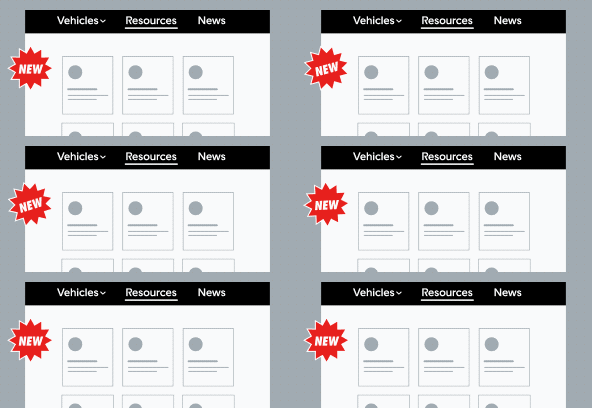
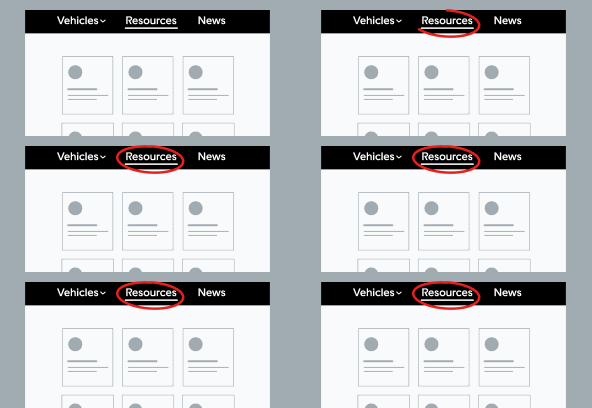
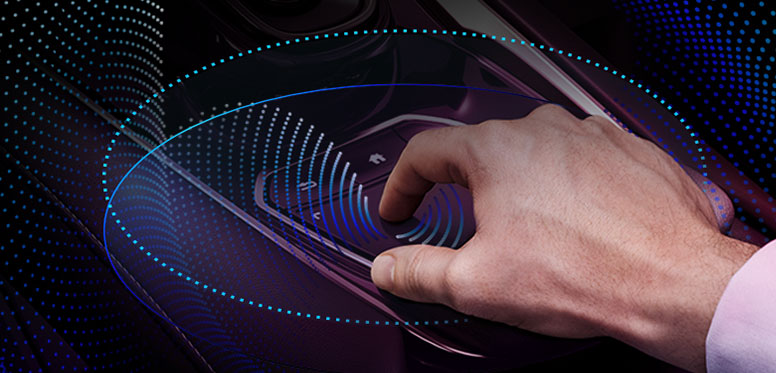
The True Touchpad Interface™ responds by using absolute positioning. That means when you tap on the upper left corner of the touchpad, the action corresponds precisely on the top left of the center display. Connectivity that’s personal, intuitive and user-friendly.
Overview
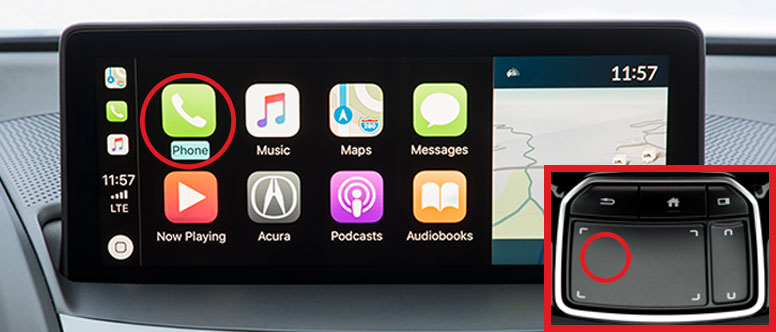
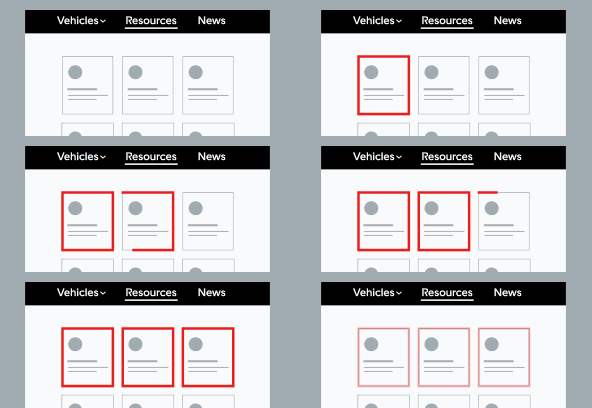
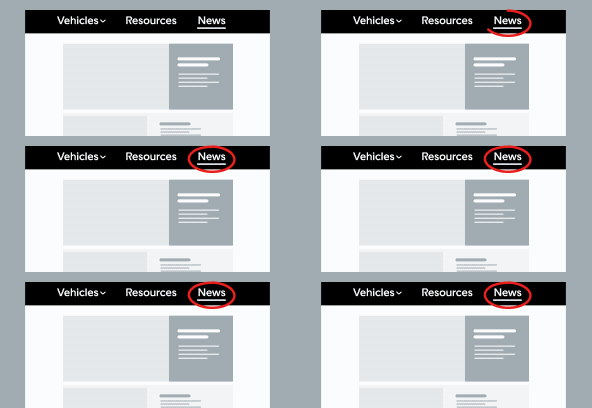
Unlike a computer, there is no cursor; instead, the True Touchpad Interface™ (TTI) uses 1:1 mapping. Touching the touchpad will highlight the corresponding area on the large screen.
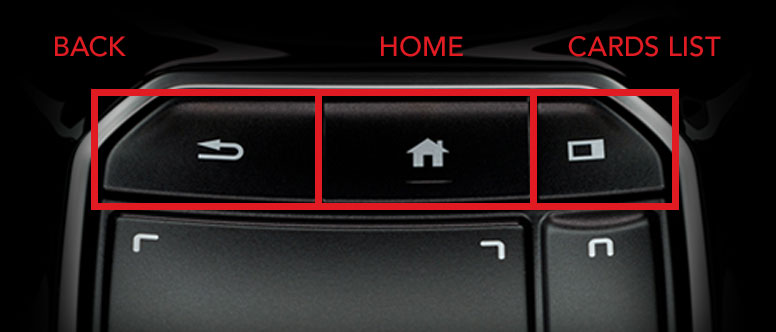
Three shortcut buttons are located along the top row. Use the cards list to select the audio, navigation or clock view.
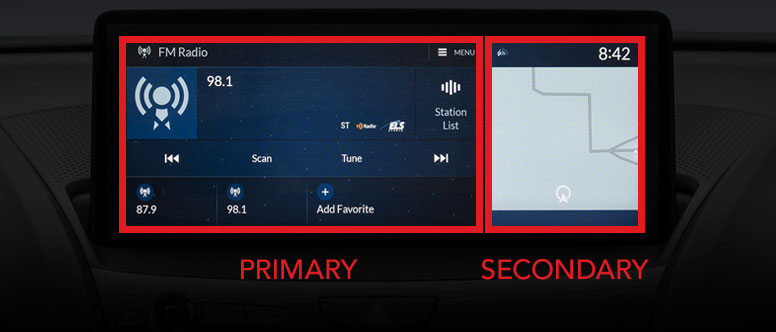
The Primary touchpad area controls the Primary display.
The Secondary touchpad area controls the Secondary display.
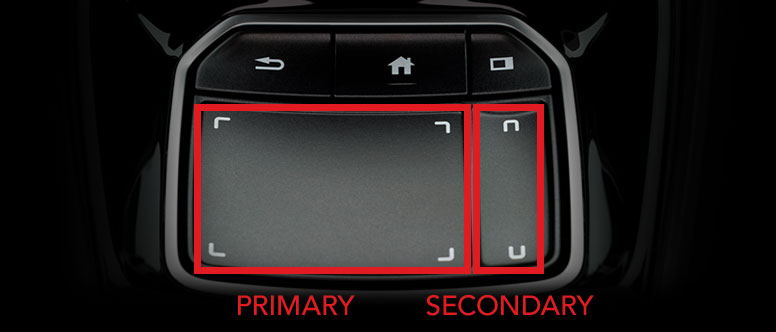
True Touchpad Interface™