From model and trim information to detailed how-tos, the Acura Info Center hosts many videos your clients will find invaluable. This is a great resource that you should take advantage of to provide clients with up-to-date knowledge and helpful tips. Here’s how to share videos directly from the Info Center:
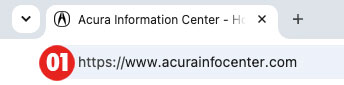
01
Open your browser and go to AcuraInfoCenter.com.
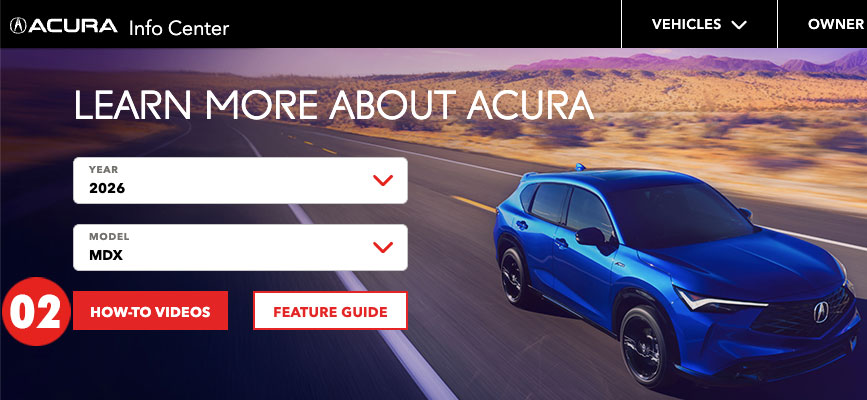
02
Use the drop-down menus at the top of the page to pick a year and model, then select How-To Videos.
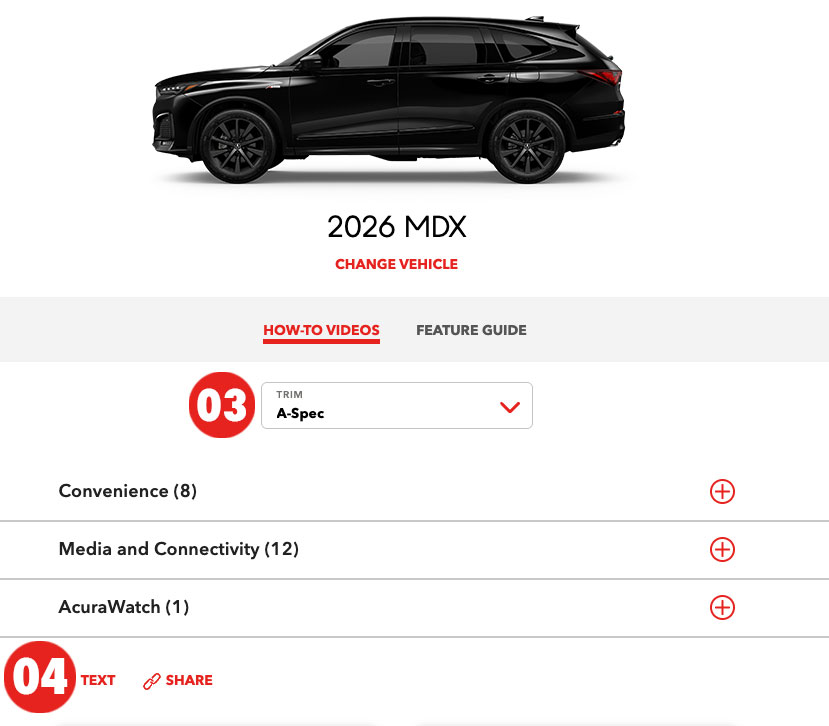
03
If necessary, specify a trim level.
04
To share the entire suite of videos associated with that model and trim level, select Text to enter the client’s mobile number, or Share to copy the video link to your clipboard and paste it into a text or email message.
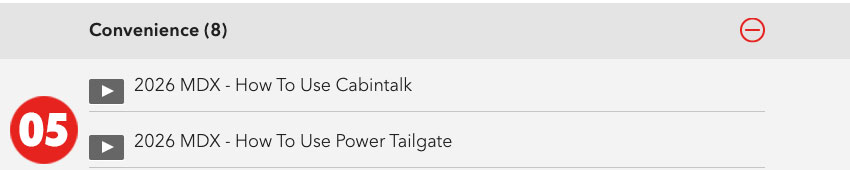
05
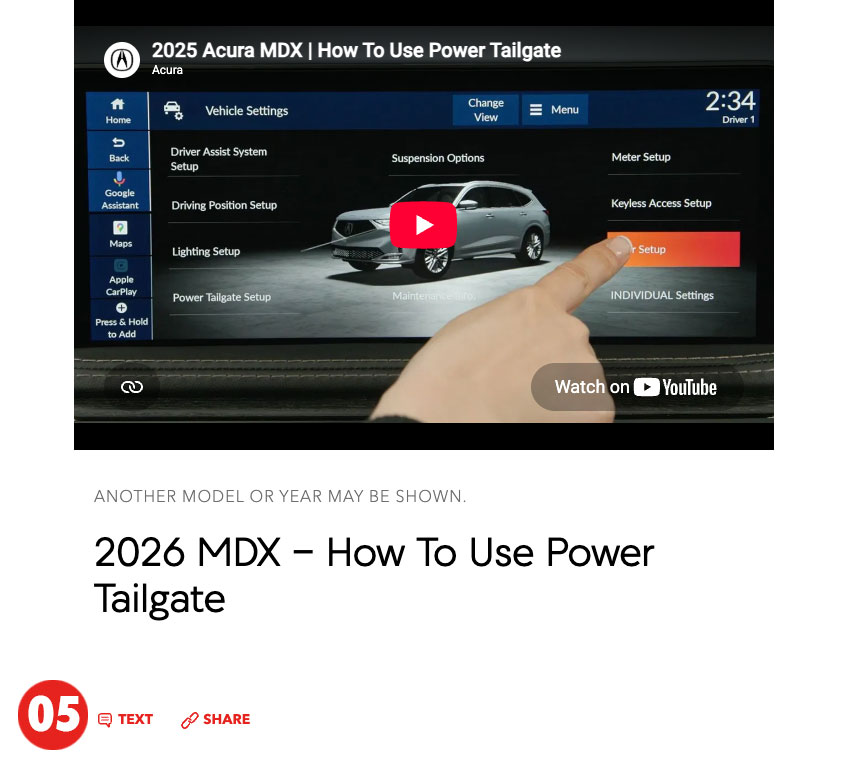
To share a specific video, expand the categories and select the one you’re looking for...
...then use Text to enter the client’s mobile number or select Share to copy and paste the link.
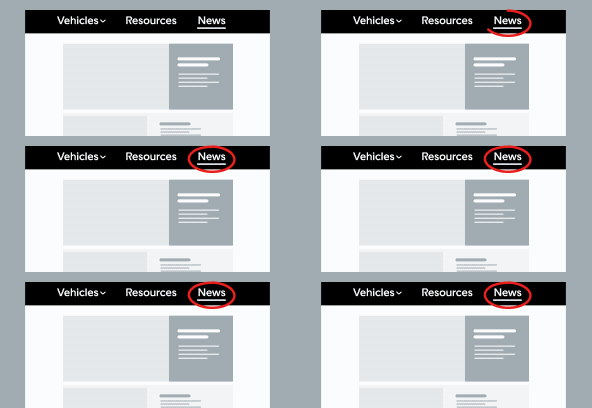
We’ve updated the site to make finding information easier.
Welcome back! We’ve made some improvements to our site. Click “Next” to see what’s new.
We’ve updated the site to make finding information easier.
All resources are now in a single location to simplify the search process.


 DEALER LOGIN
 Selling Strategies