DEALER LOGIN
Support and Development - Honda Information Center
 Support and Development
Add A Linked AIC Tile To Your Email Signature

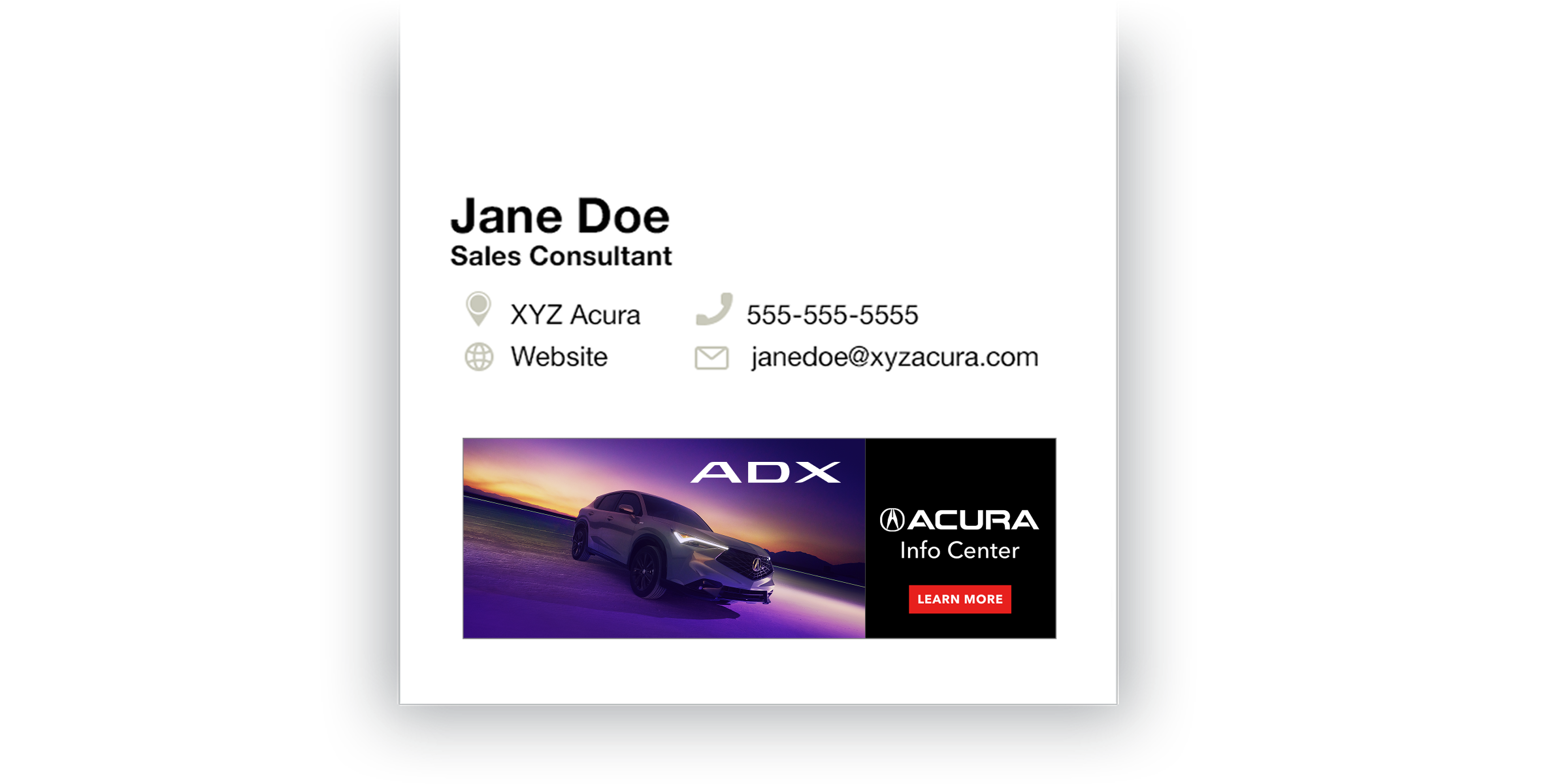
You can now add a graphic tile to your email signature that will automatically link your clients to the wealth of product information on Acura Info Center.
Use this handy feature in your client communications to help them with their buying decisions – now your clients can “check it out” with just one click.
How to Add the Link
We’ve created simple, step-by-step instructions for the most popular email providers, including Outlook for PC and Mac, Outlook Online and Gmail. It’s easy!

Get the Email Signature Graphic
Access the graphic tile for your email signature here.

5 Tips for Effective Sales Emails
Follow these best practices to ensure your client communications hit their mark:
- Have a specific goal
Ask yourself what you want your client to do after they’ve read it. Include a clear call to action, like “text me at this number to schedule a test drive.” And make sure you provide clear contact information (and the Acura Info Center graphic tile) in the signature block at the bottom of all your emails.
- Make it personal
When sending a follow-up, add details from your previous conversation that show that you’re hearing your client and understanding where they are in the buying or ownership process. If they reference a specific vehicle, put the year, model and trim in the subject line of your response.
- Keep it concise
Your client might have little time to read through your message, so make it as brief as possible without leaving out key information. Also be mindful that many clients use their smartphones to read their email, so keeping it short will lessen scrolling.
- Proofread your writing
An error-free email demonstrates professionalism. Before you send an email, take a moment to check for any spelling or grammar errors. Also, double-check to ensure you’ve included any attachments or links you may have referenced in your message.
- Always follow up
People often receive several emails per day, so they might miss or forget to respond to your message. If your client hasn’t replied within two business days, consider reaching out with a friendly follow-up email.
Add A Linked AIC Tile To Your Email Signature